User Guides
Publish a Student-Paid Coursepack
As a collaborator, TA could manage the coursepack in the same way as the instructor.
For student‑paid Coursepacks, students pay for access at the time of enrolment.
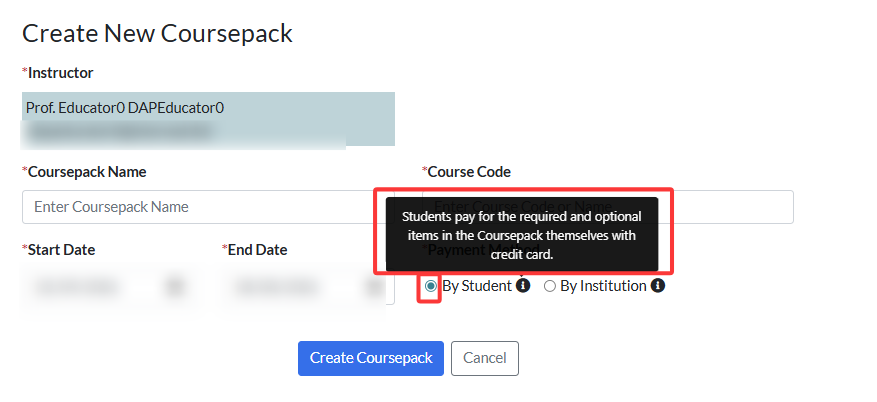
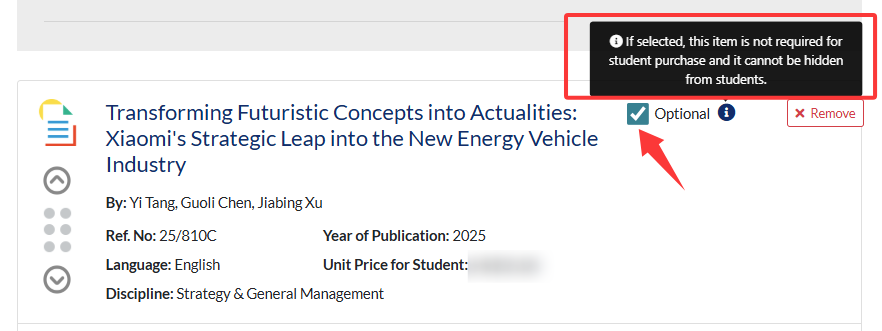
Under this payment method, the instructor can publish the Coursepack without incurring any cost to themselves. Students pay for access at the time of enrolment. Items within the Coursepack can be marked as required or optional: required items must be purchased for access, while optional items can be purchased at the student’s discretion.
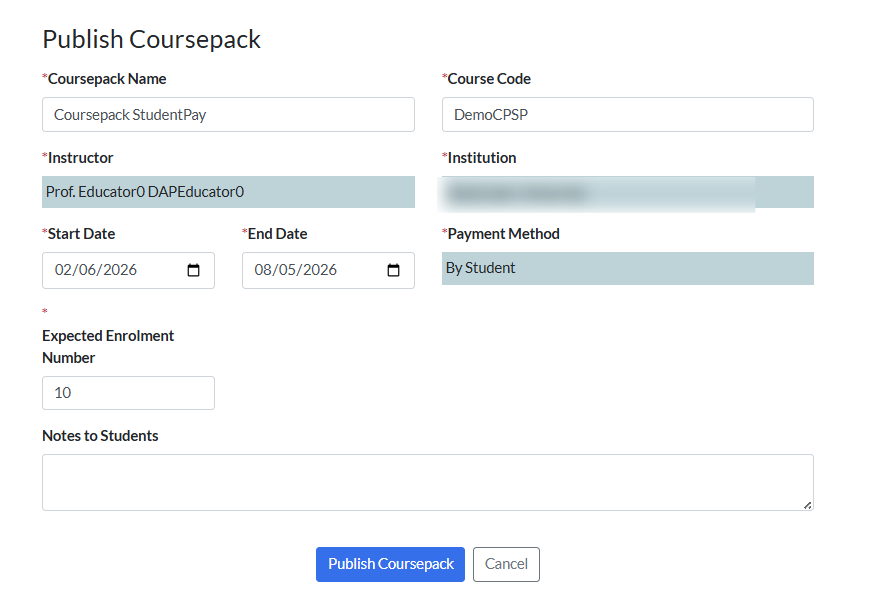
To publish the Coursepack, go to the Coursepack page and click Publish Coursepack.
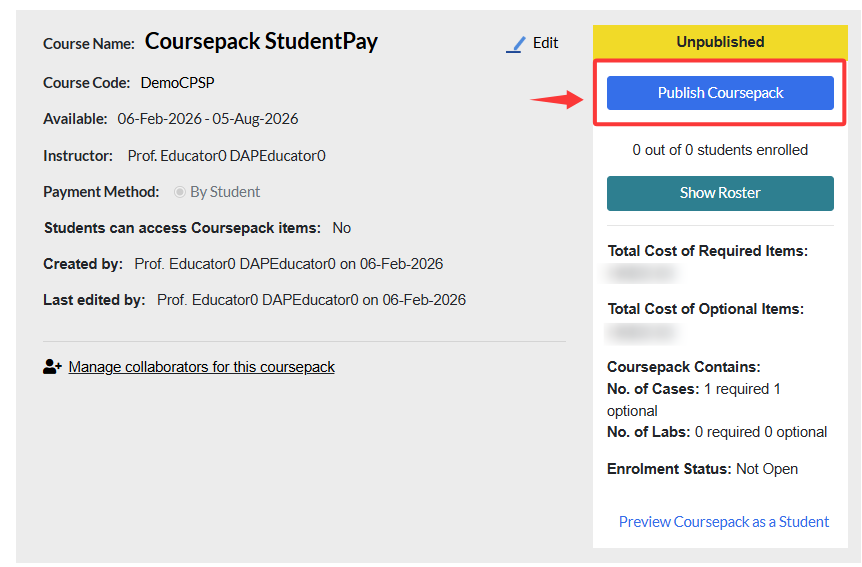
Review and edit Coursepack information as needed and then click Publish Coursepack.
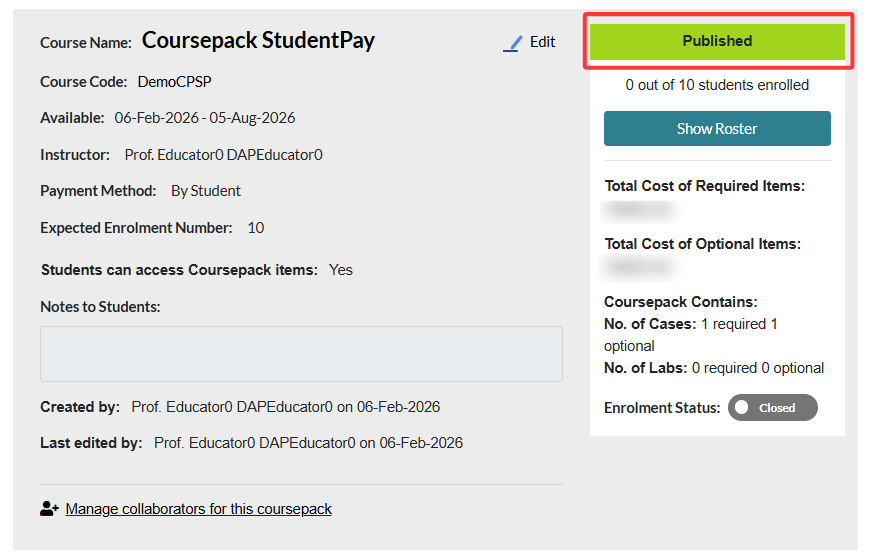
After publishing, the Coursepack status will update to Published, indicating that it is ready for student enrolment.
Here, the Expected Enrollment Number is for reference only and does not limit the number of students who can enroll.