User Guides
Add Contents to a Published Coursepack
You can add cases or labs to a published Coursepack at any time before its end date (expiration), as long as you republish the updated Coursepack.
After you republish the Coursepack, the new items will be added to the existing content. Once institutions or students pay for the additional material, it will automatically become available to the users. The enrolment link remains unchanged regardless of content updates.
Follow the steps in Add Contents to a Coursepack to upload cases or labs. After you add the new content, a confirmation pop‑up message will appear.
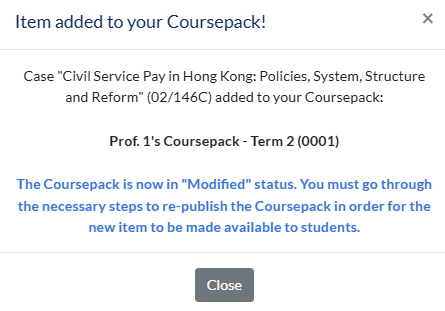
To republish a Coursepack, go to the Coursepack page. You will see that the Coursepack status has changed to Modified.
You will need to go through the Coursepack publishing process again. For detailed instructions, refer to the relevant sections.
- Request to Publish an Institutional Pay-Later Coursepack
- Publish a Coursepack (Paid by Institution)
- Publish a Coursepack (Paid by Student)
