User Guides
Monitor Student Lab Workspaces
DAP also provides a workspace summary by individual students or groups, depending on the lab mode. Under the “Monitor Lab” tab, you can:
- Oversee the summary of students’ workspaces
- Copy students’ workspaces to your own personal lab to examine their work
- Export (Download) students’ workspaces files
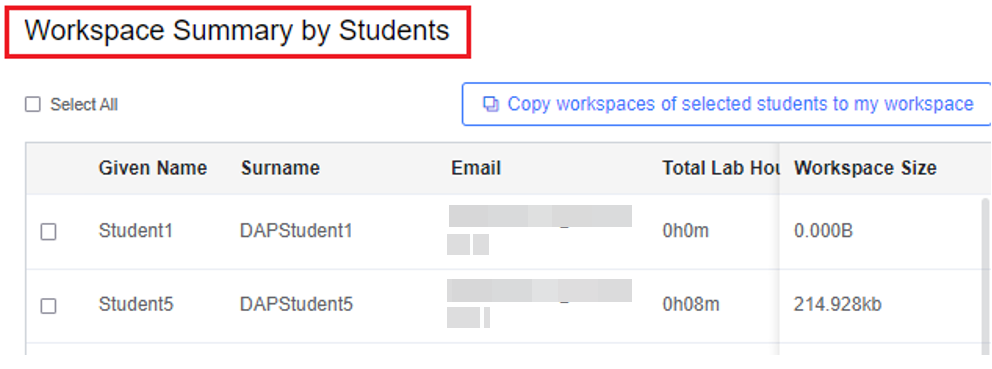
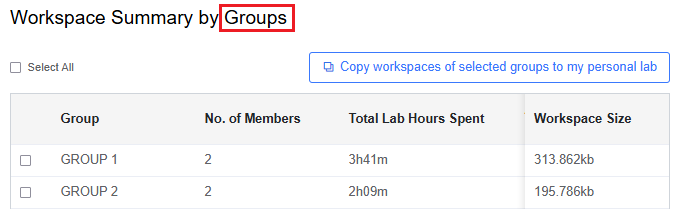
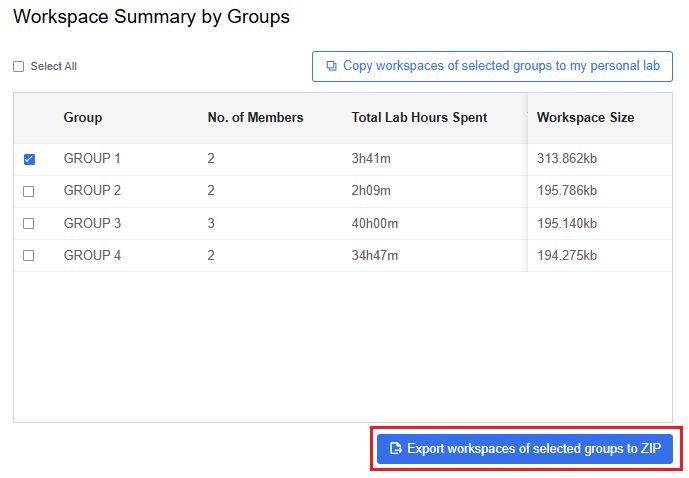
Here we use Group work mode as an example:
To copy a selected student’s workspace, click Copy workspaces of selected groups to my personal lab. If copied successfully, you will see a popup message.
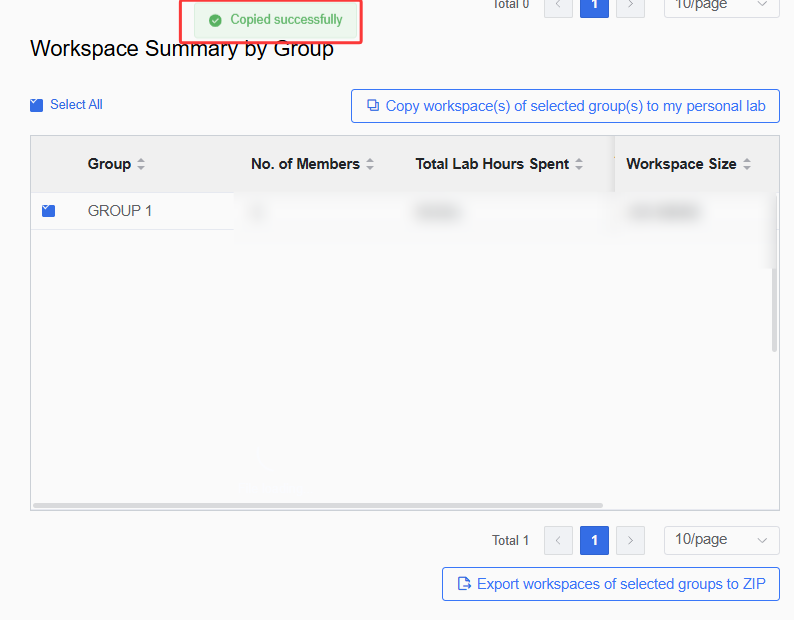
To access the copied workspace content, go to your personal lab under My Library > Subscribed Labs. See Access Personal Lab for more instructions.
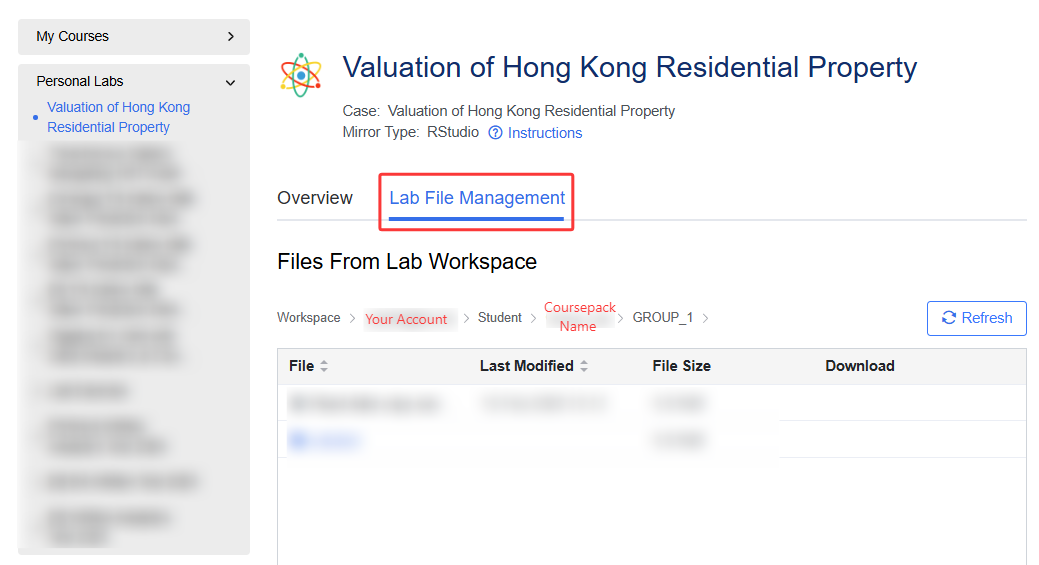
To download workspace files, click Export workspaces of selected groups to ZIP. The files of your selected students/groups will be saved as a ZIP archive for further use.
The exported files will be named with the Coursepack name and lab name:
