User Guides
Check Student Workspaces via the Student List
In the Student List tab, enrolled students are listed individually or by group, depending on the use mode of the lab. The workspace stores students’ online work. Depending on the Coursepack’s “User Mode,” workspaces can be individual or shared by a group.
- Group Labs: Clicking Enter on a group workspace takes you to the shared environment for that group.
- Individual Labs: Clicking Enter takes you to the student’s personal workspace.
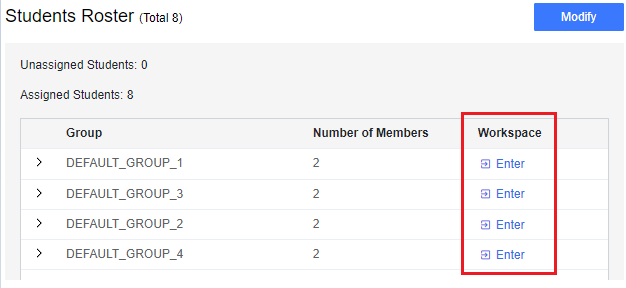
Student Roster of Group Lab
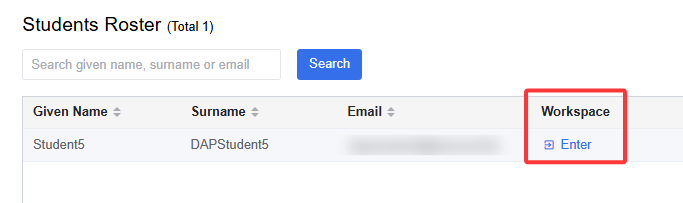
Student Roster of Individual Lab
If the student or the group has not accessed the lab, you will see the following warning message and not be able to enter their workspace.

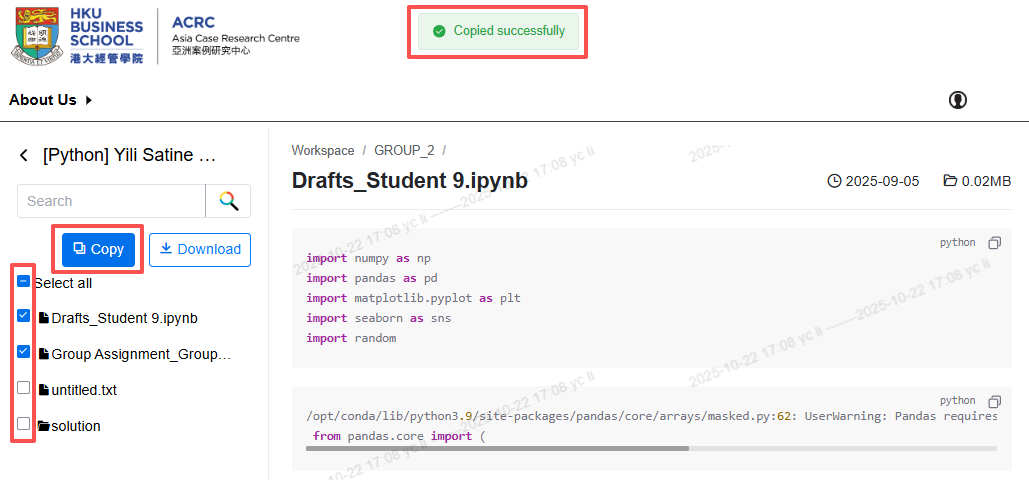
On the workspace preview page:
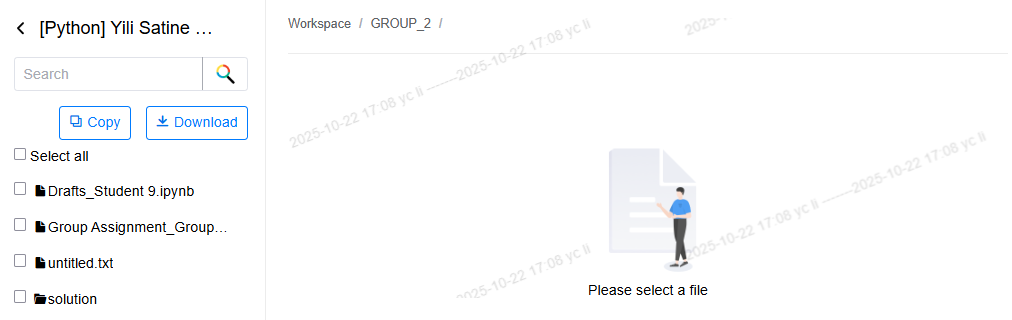
Files are listed on the left; click a file name to preview it on the right.
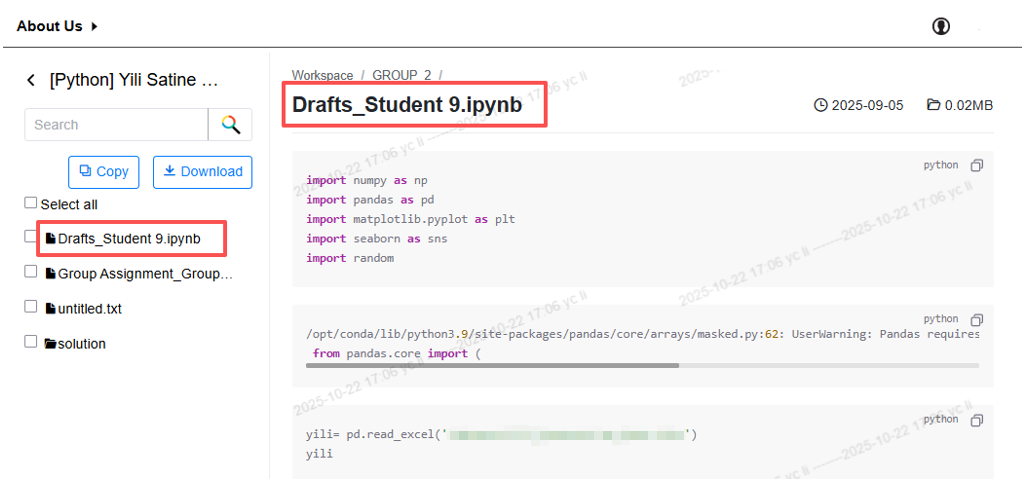
Use the Copy button to copy selected files to your personal lab for code checking.
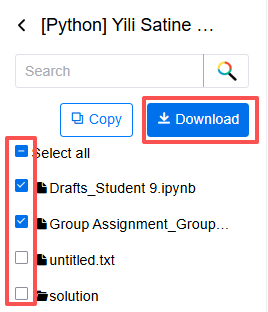
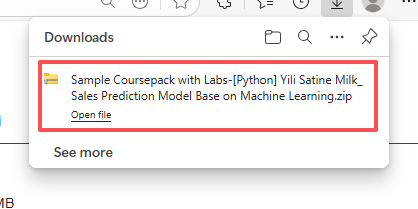
Use the Download button to save selected files to your local computer.
To download or copy multiple workspaces in one click, please refer to the instructions: monitor student lab workspaces.