User Guides
Take a Lab Trial (Educator Only)
ACRC provides free trial access for educators to evaluate how the labs can support their teaching objectives.
- Trial limits and duration may vary by lab.
- Only one active trial per lab is allowed at a time. A new trial cannot be started until the current one expires.
We invite Educator Users to explore the labs and assess their suitability for your course content following the steps below:
Search for the lab that you are interested in with the title, or just search by the key word “lab”:

Find the lab with your preferred version:

Locate the button Try Now and click it.

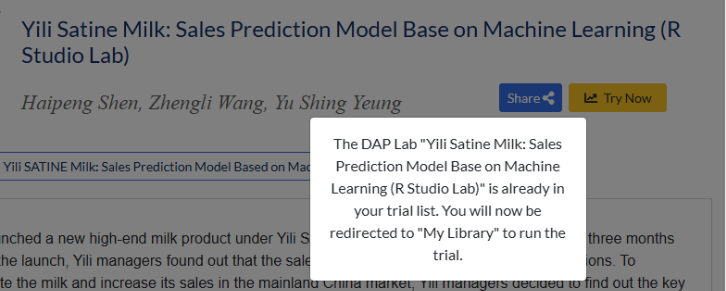
Go to My Library to find the lab under Lab Trials:

Click Run Lab Trial, and the lab page will open in a new webpage and you can launch your trial session.

Important: The trial lab has the same features as the purchased lab, but your trial workspace is temporary and will not be saved after the trial ends or expires. Each time you start a trial, a new workspace is created.
To purchase a personal lab, please check how to order a personal lab