User Guides
Create a New Coursepack
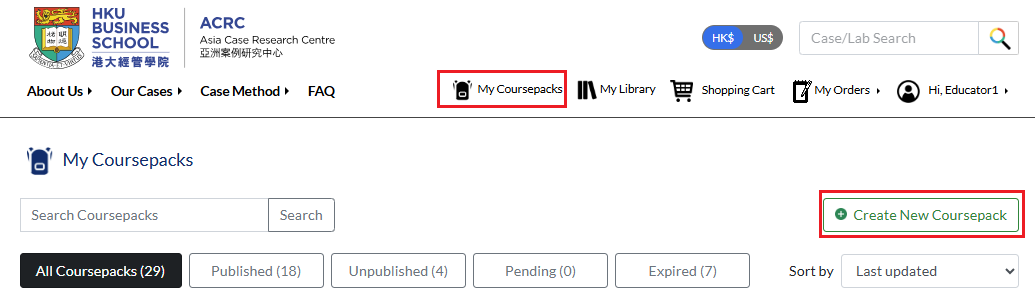
Go to My Coursepacks page and click Create New Coursepack.
Fill in all required information. Fields marked with an asterisk (*) are mandatory.
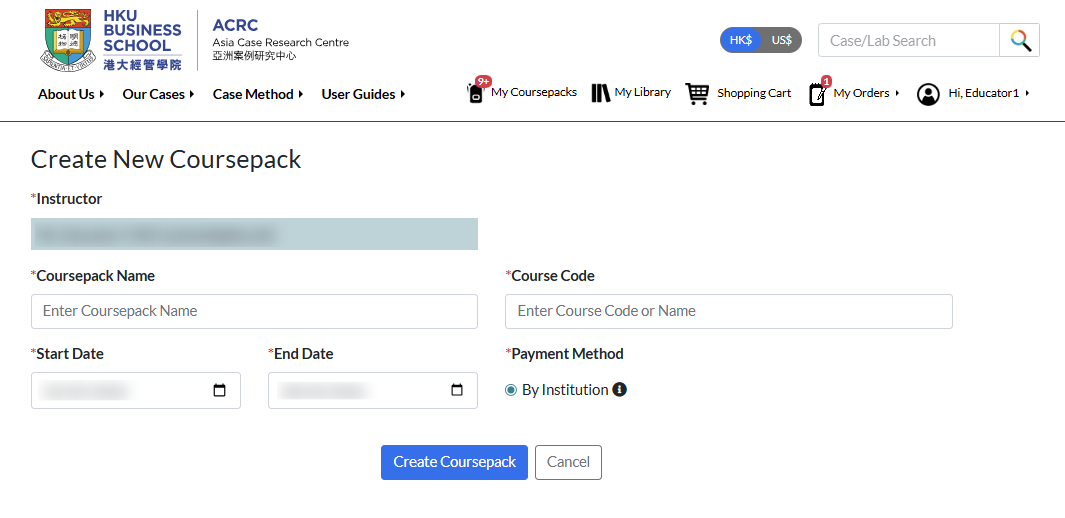
Coursepack name & code
Course code can be reused for multiple Coursepacks, but each Coursepack must have a unique name.


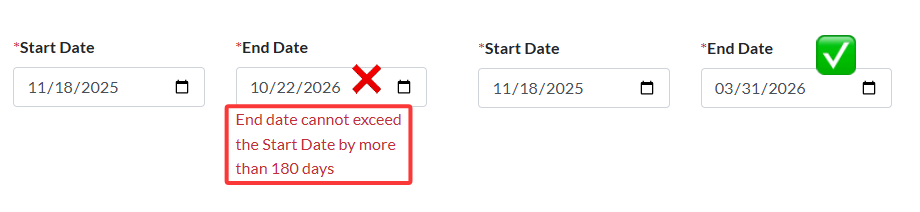
Start and End Date
The default start date is the day you create the Coursepack, and the end date is automatically set to six months after the start date. A Coursepack cannot exceed a maximum duration of six months. See More: FAQ - How long will the Coursepack materials be available to students?
Payment Method
You may see different payment method options depending on the institution you are registered with. See More: About Coursepack Payment Options.
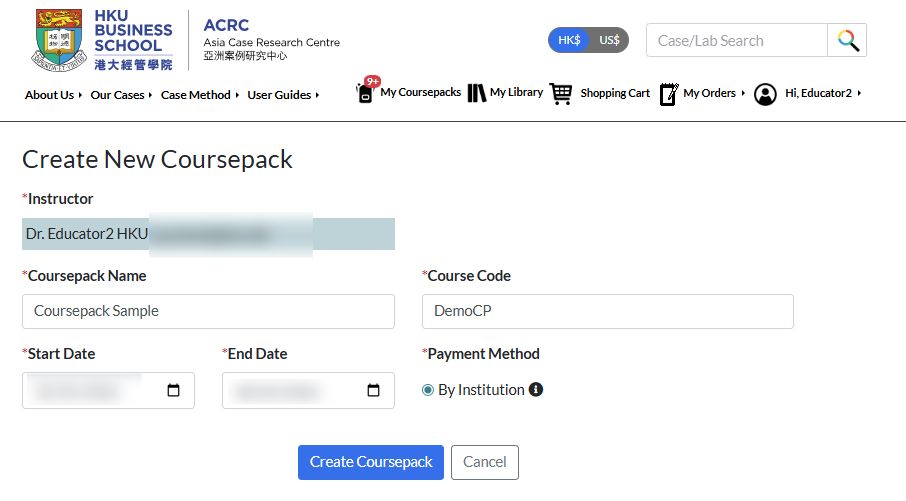
Click Create Coursepack. It will appear on your My Coursepacks page.
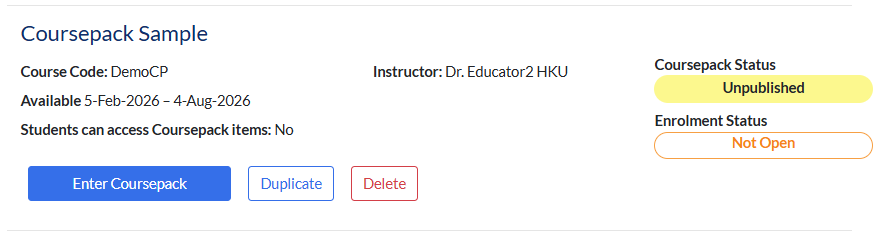
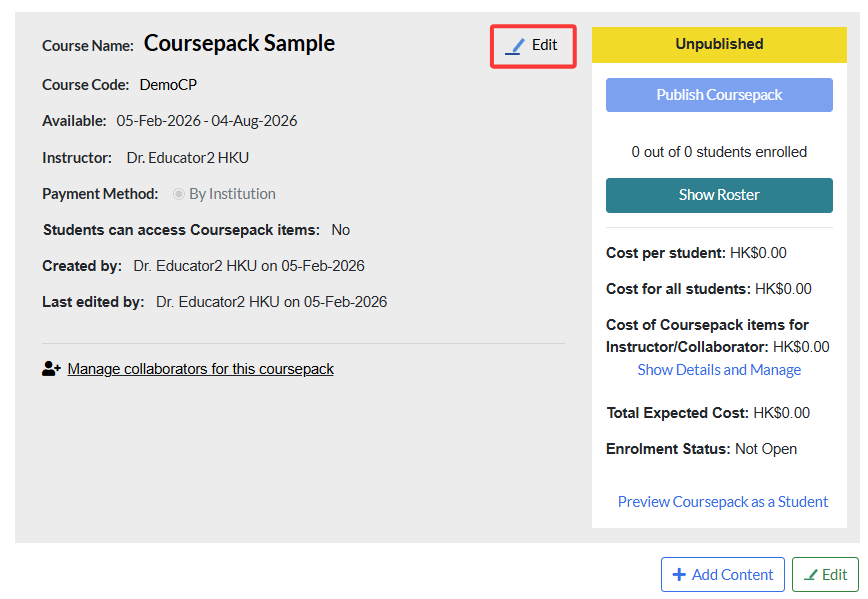
Click Enter Coursepack to open the Coursepack page. To edit the Coursepack information, click Edit.
You can modify the Coursepack name, course code, and availability period. Remember to click Save changes after you finish editing.
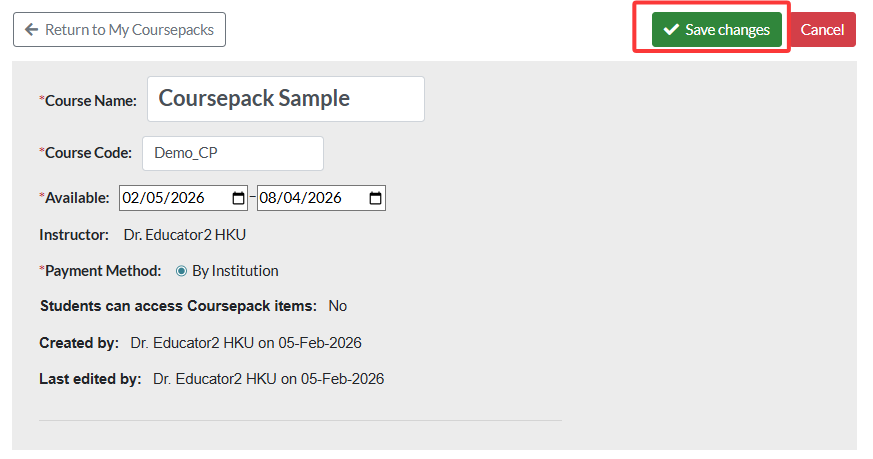
If you update a published Coursepack, save your changes and then click Publish Changes to Coursepack to apply them.
