User Guides
Invite a Collaborator to the Coursepack
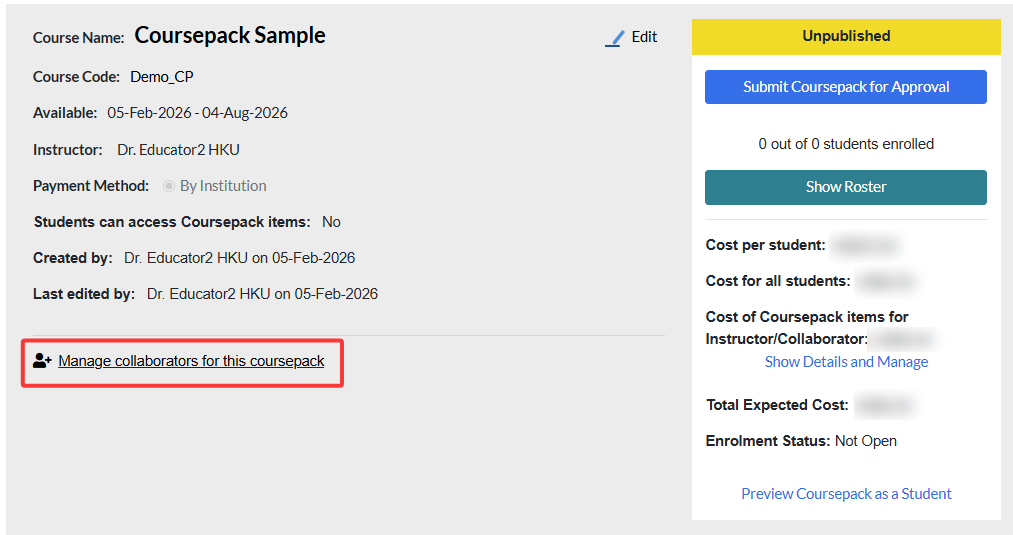
You can invite your TA or other educators registered under your institution to co-teach your Coursepack. On the Coursepack page, click Manage collaborators for this Coursepack.
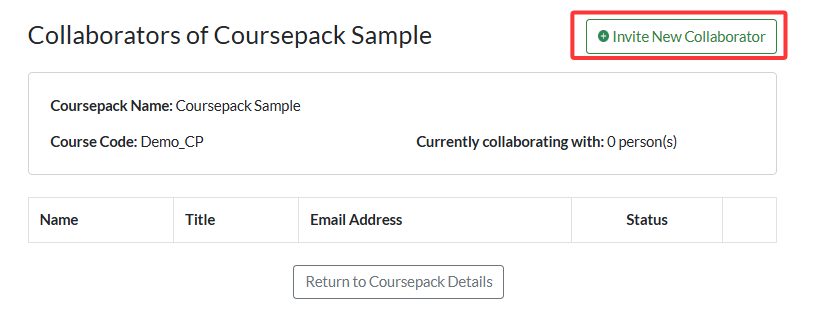
Click Invite New Collaborator.
You will see a list of educators and invited TAs from your institution.
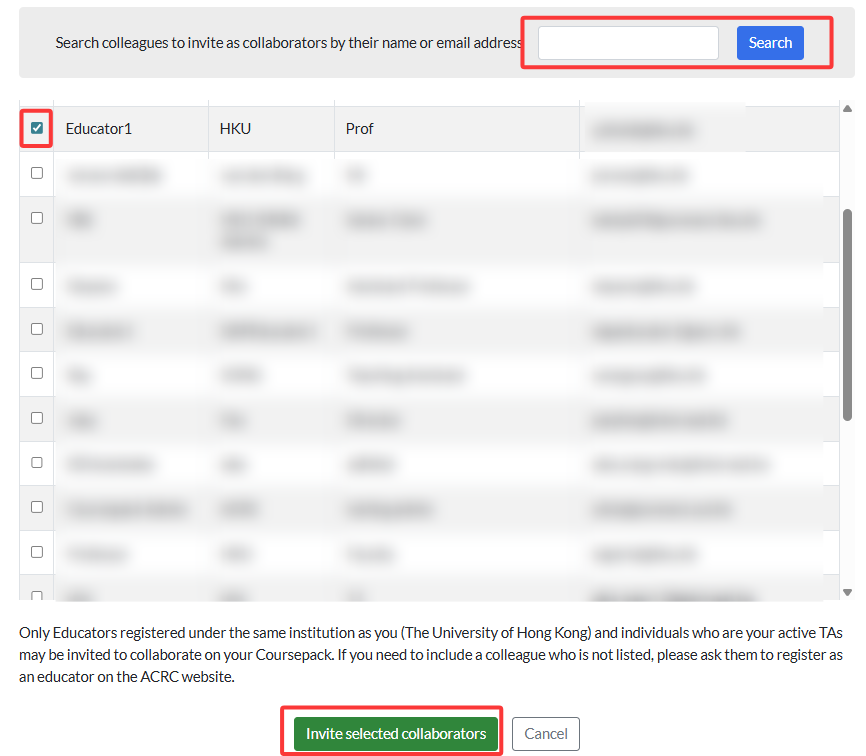
Select the educator you wish to invite and click Invite selected collaborators, then click Yes to confirm.

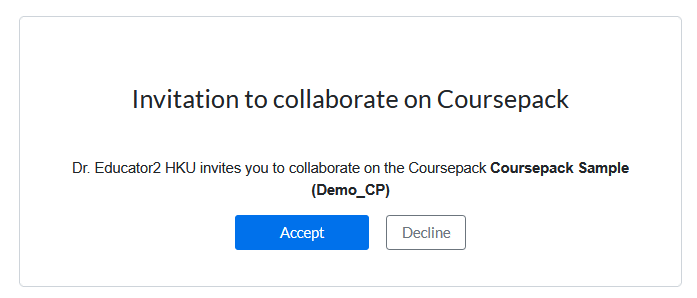
The invited collaborator will receive an email notification prompting them to accept your invitation. They will also see an invitation notice when they sign in.
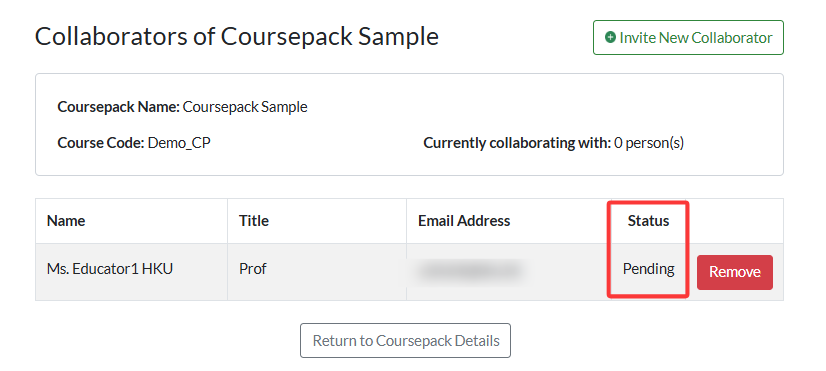
You can track the status of your collaborator invitations on the Manage Collaborators for this Coursepack page.
Before acceptance:
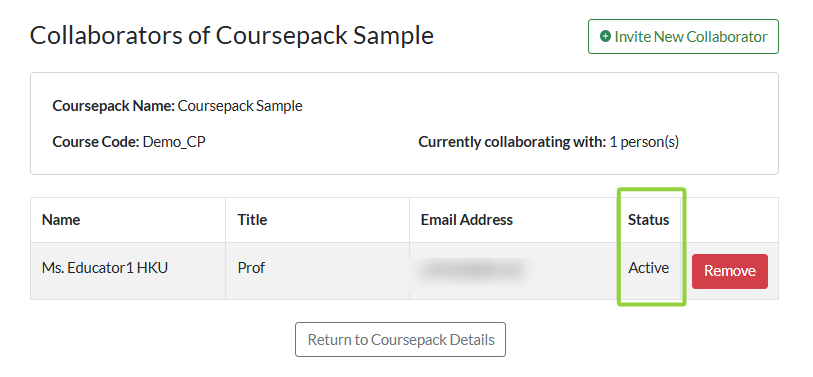
Once the collaborator accepts your invitation, the status will update to Active.
You will also be notified via email.

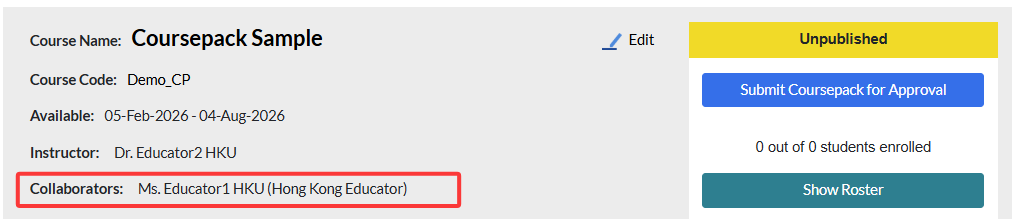
And then that invited collaborator will appear in your Coursepack information: