User Guides
Coursepack Status Indicators
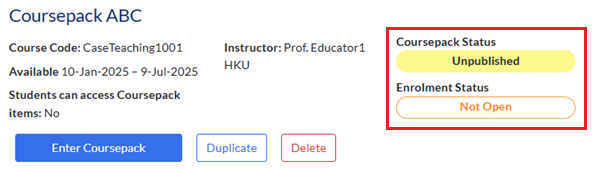
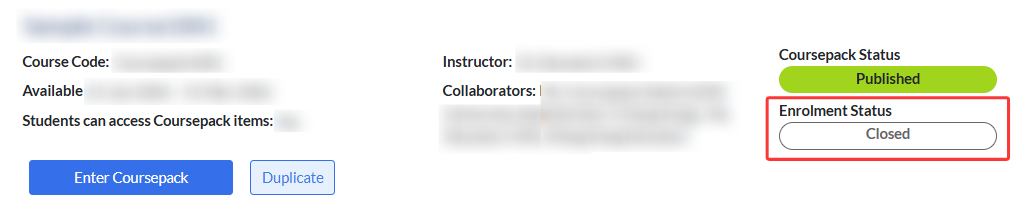
Each Coursepack has two separate status indicators:
- Coursepack Status - shows the overall publishing state of the Coursepack.
- Enrollment Status - shows whether the Coursepack is currently open for student enrollment.
Coursepack Status
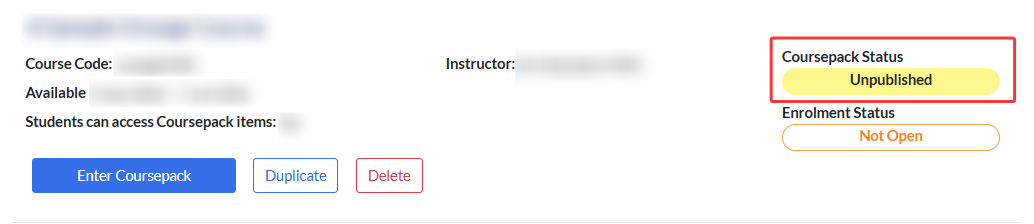
- Unpublished
The default status for a newly created Coursepack. It is still in editing mode, so you can make changes, but students will not see any updates until the coursepack is published.
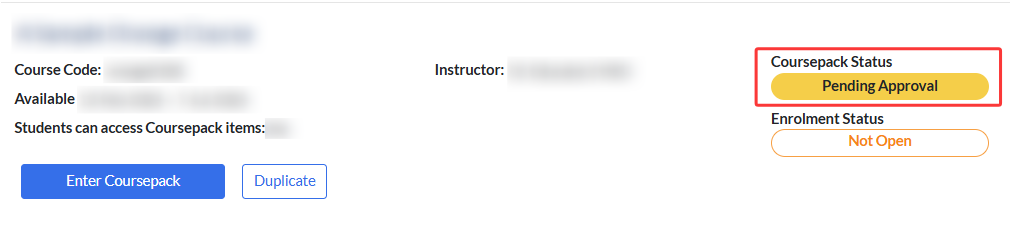
- Pending Approval
After you submit a request to publish a Coursepack, the status changes to Pending Approval until your request is approved.
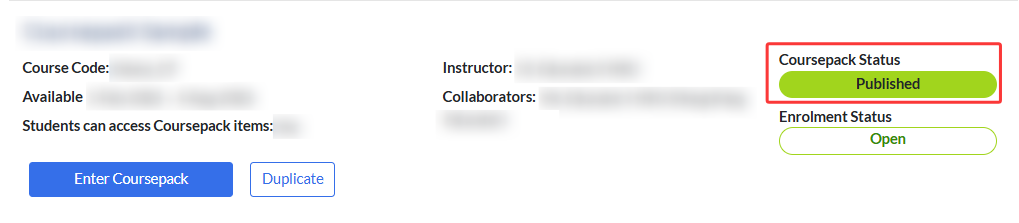
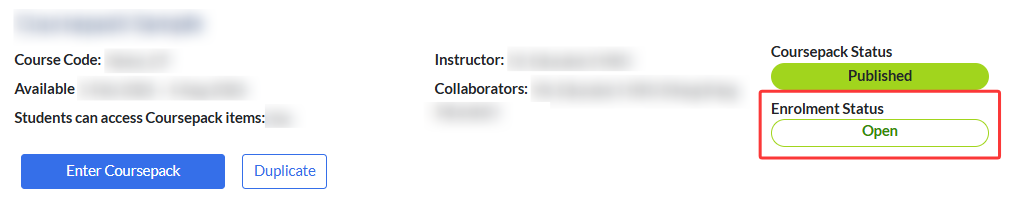
- Published
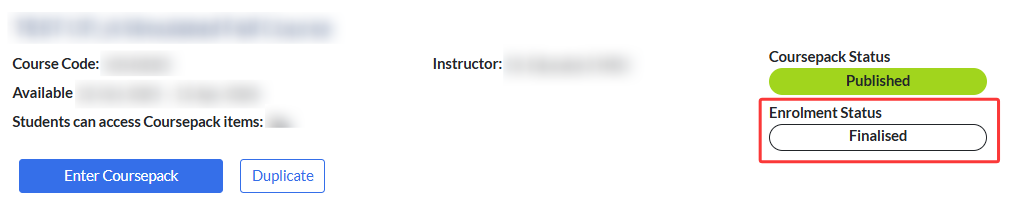
It indicates that the Coursepack is published and ready for student enrollment.
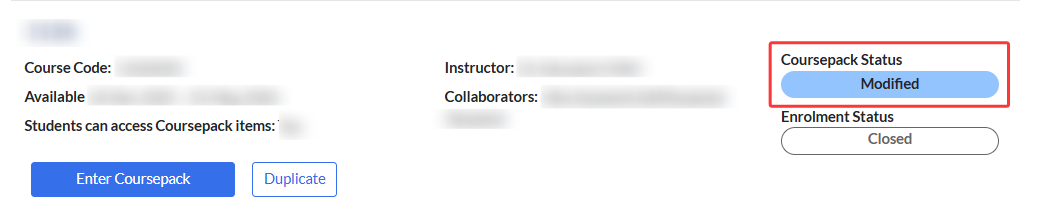
- Modified
If you make changes to an already published Coursepack (e.g., updating materials or course information), the status switches to Modified until you submit the updates for approval and they are approved.
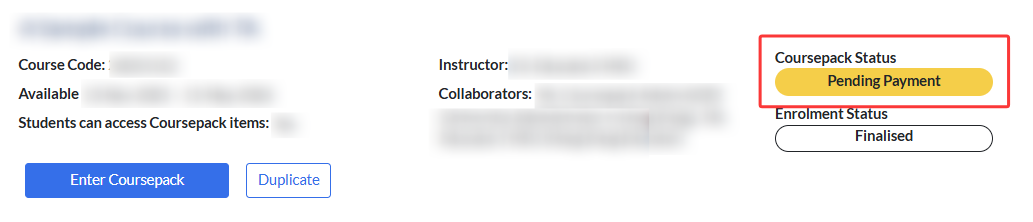
- Pending Payment
Indicates that the enrollment has been finalized, but the designated payment administrator has not yet completed the payment.
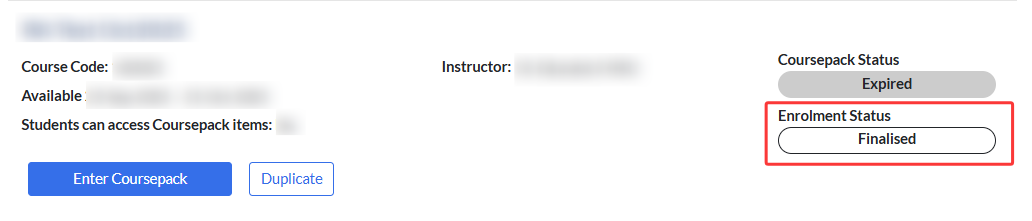
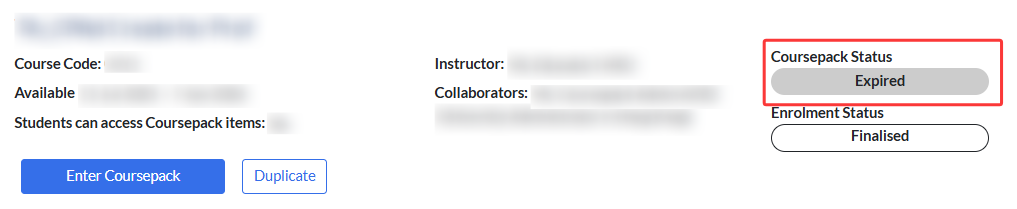
- Expired
Once the Coursepack’s end date has passed, it will automatically be marked as Expired.
Enrolment Status
A Coursepack must be published before it can be opened for student enrollment.
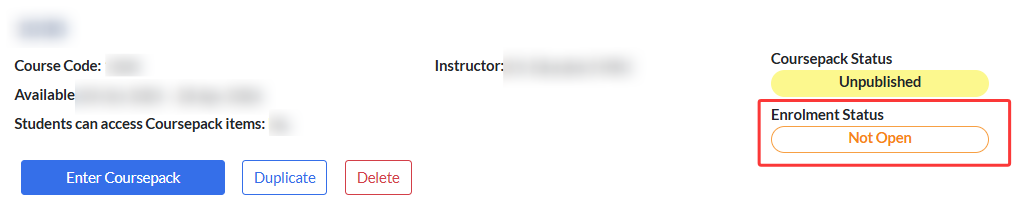
- Not Open
The default status for an unpublished Coursepack. Students cannot enroll at this stage.
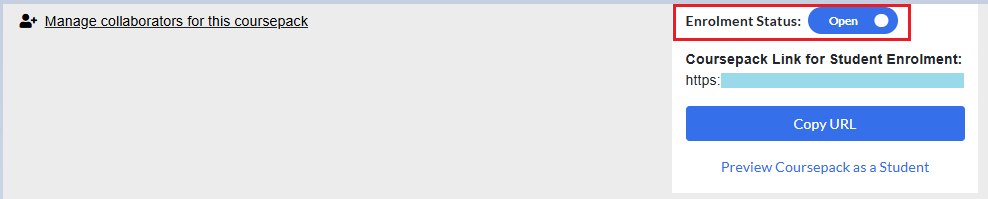
- Open
It indicates that students can currently enroll in the Coursepack.
- Closed
It indicates that enrollment has been manually closed by the instructor or teaching assistant.
- Finalised
For Institutional Pay‑Later Coursepacks, once student attendance has been confirmed at the end of teaching, the enrollment status should be set to Finalised.
A Coursepack will also automatically switch to Finalised when it expires.