User Guides
Invite a User to Become Your Teaching Assistant (TA)
Educators can invite another user registered under the same institution to serve as their teaching assistant (TA). An invited TA can co-teach, manage Coursepacks, and place orders on the educator’s behalf.
To invite a TA, sign in and open your profile dropdown menu, then click Teaching Assistants.
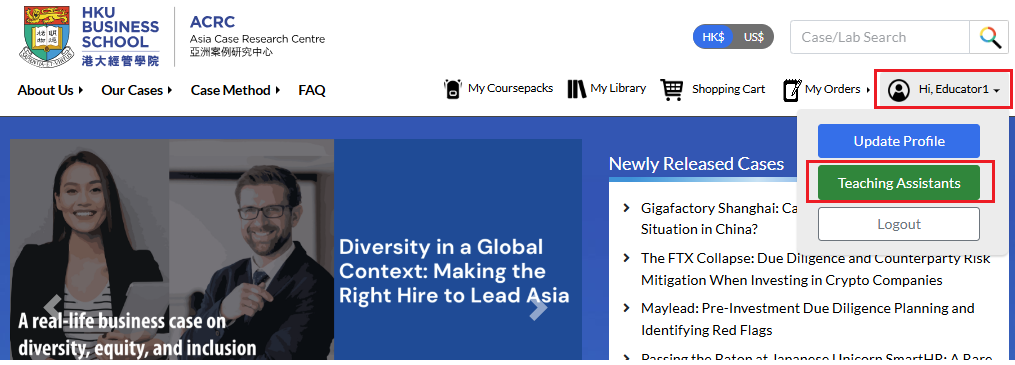
Then, click Add Teaching Assistant.

Enter the TA’s institutional email address, then select the checkboxes to specify whether the TA can access teaching materials and/or place orders on your behalf.
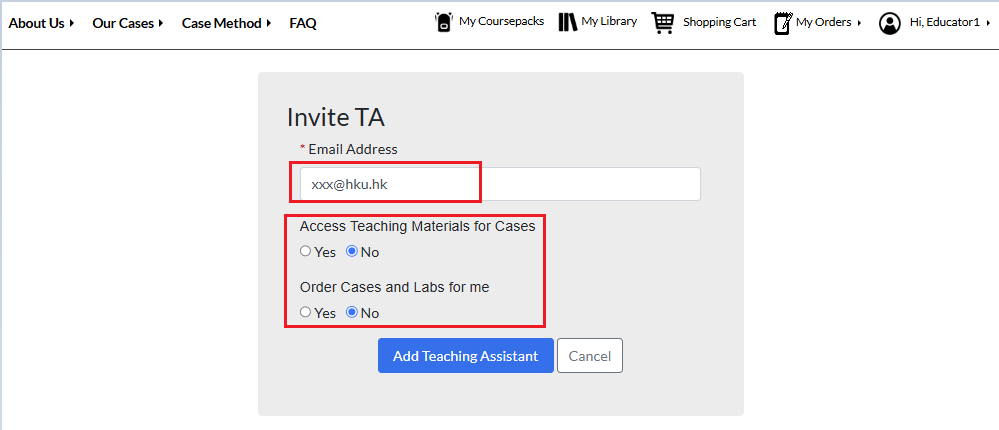
Click Add Teaching Assistant. The invitation will be sent to that invited user.
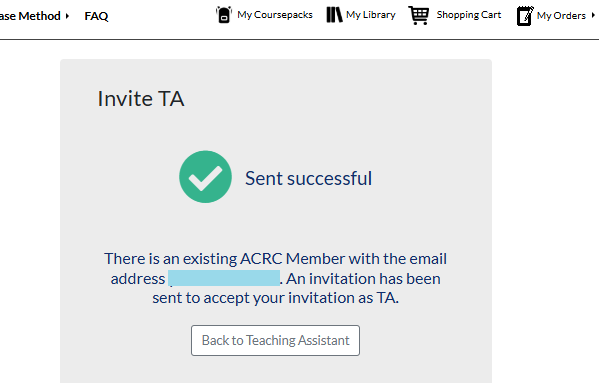
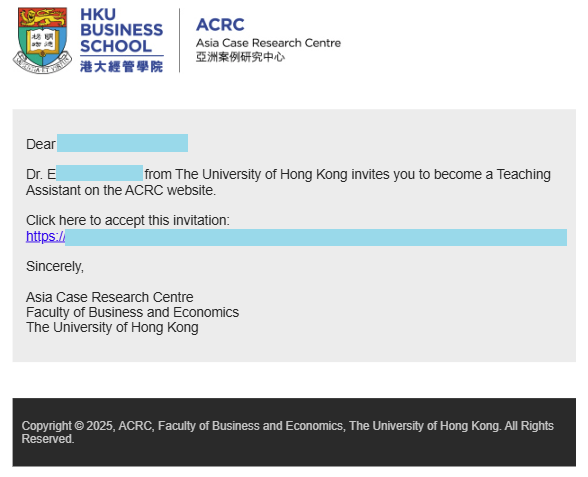
If the invited user does not yet have an ACRC account, the system will automatically email them with instructions to register. Once they complete registration, your invitation will be processed.
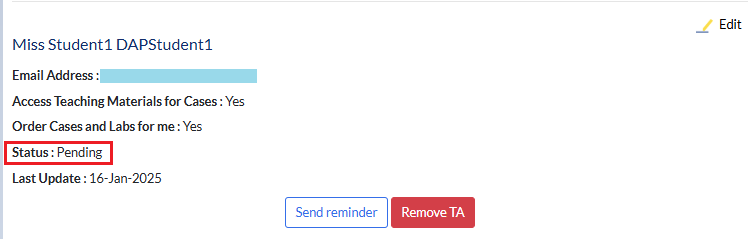
You can track the status of each invitation on your Teaching Assistants page. Invitations will appear as Pending until they are accepted.
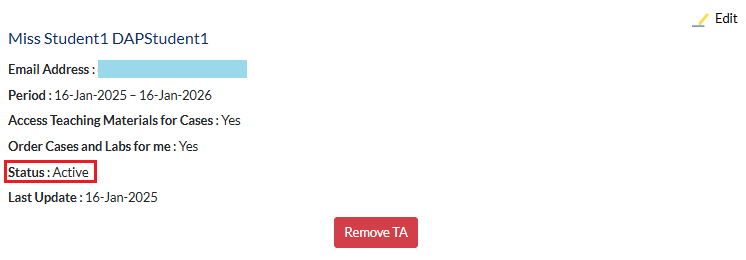
Once the invitation is accepted, the status will change to Active:
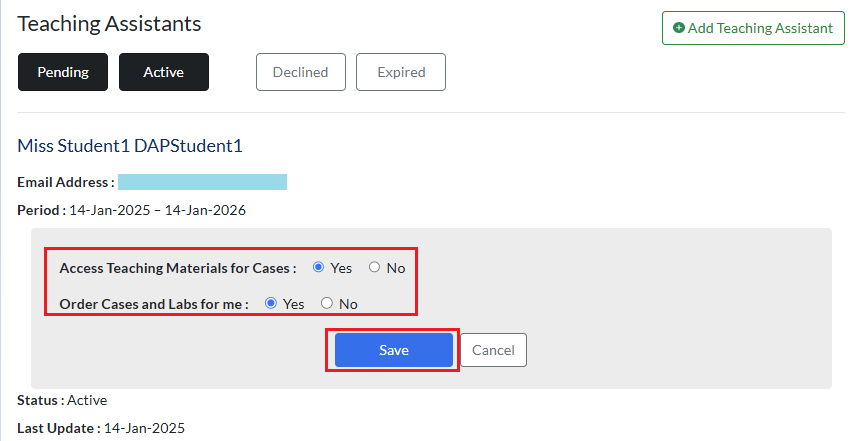
To change a TA’s permissions to access or order teaching materials on your behalf, click Edit in the upper-right corner of the TA’s entry.
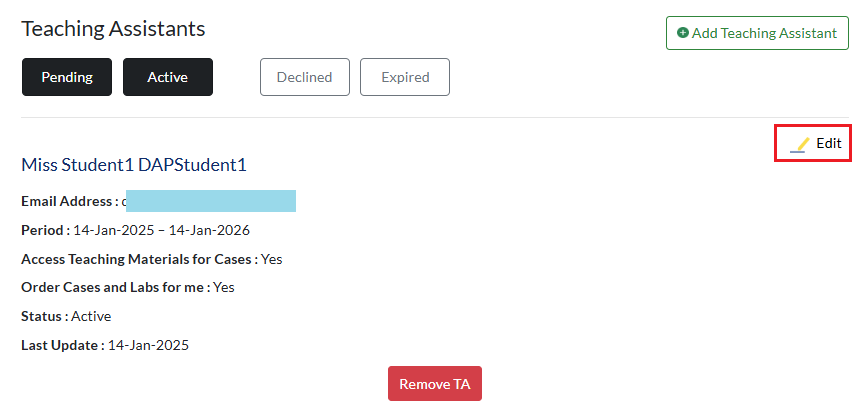
Remember to click Save after you finish editing.