User Guides
Download Sample Cases and Teaching Materials
As a registered educator, you can download sample cases and teaching materials to evaluate them for your curriculum.
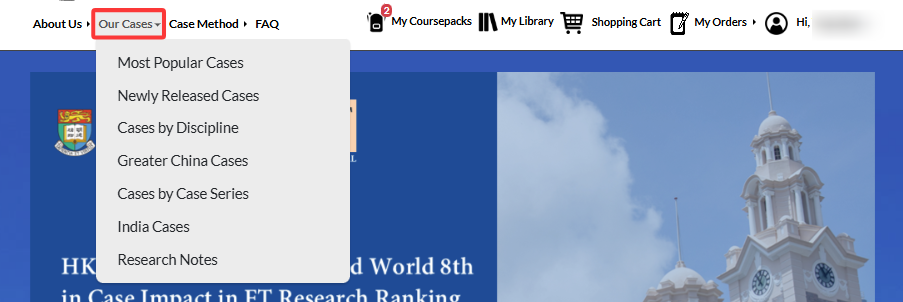
To do this, log in with your ACRC educator account and either search for a specific case you are interested in or browse available cases under Our Cases.
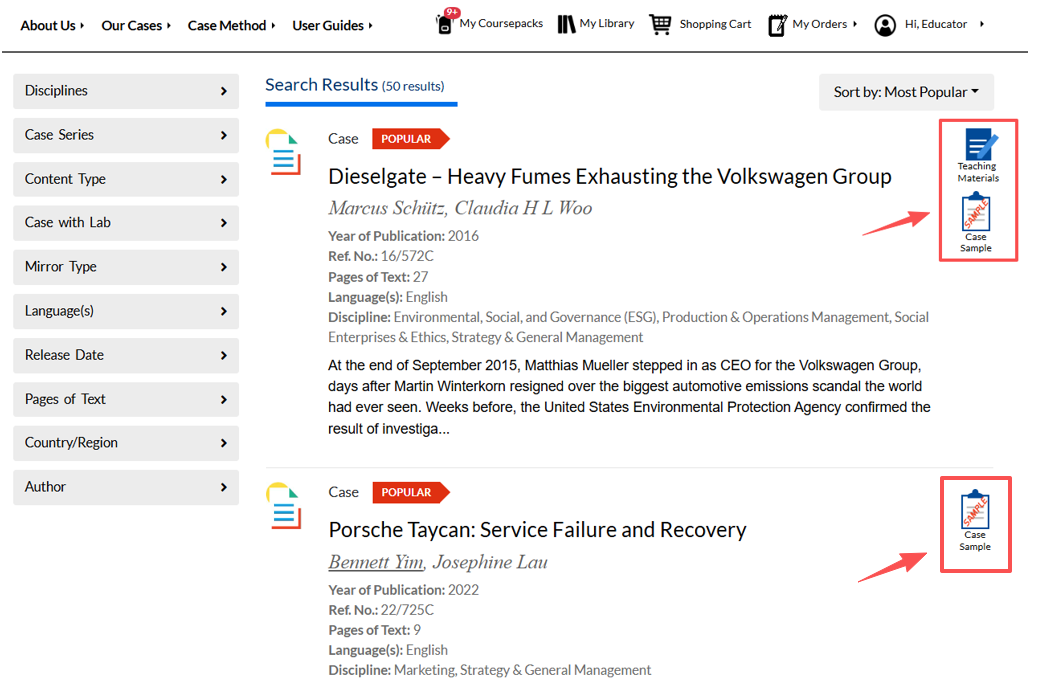
The download buttons for the Case Sample and Teaching Materials are on the right, next to the case title.
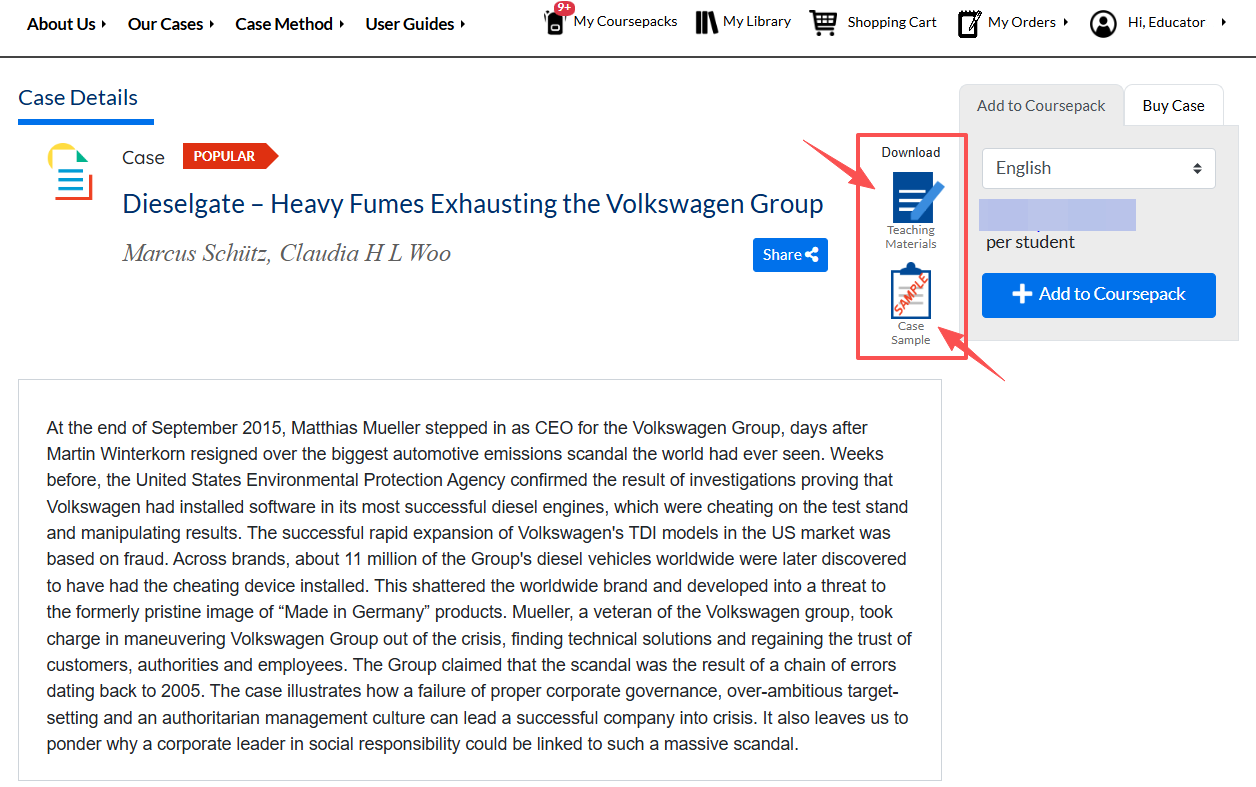
On the Case Details page, the download buttons for Case Sample and Teaching Materials are also available, between the share link and price tag.
To download a case sample for inspection, click on the Case Sample icon. The file will then be downloaded.
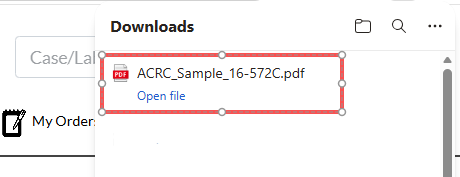
The case sample will contain a watermark that says, "For inspection only. Do not copy or post," and a line indicating your name and university at the bottom. To download a clean copy for personal use, please refer to the order guide. For teaching purposes, please order the case using our coursepack function.

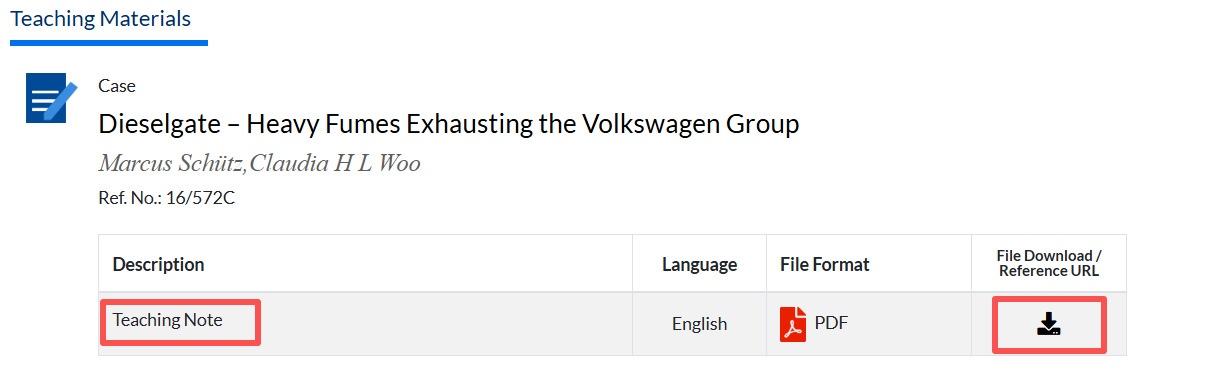
For cases that provide teaching materials, educators can download teaching materials for free. Click on the Teaching Materials icon to download teaching notes, slides, and more on the Teaching Materials page.